Feature and compatibility comparison.
Compare selected editing features and file import/export capabilities with similar products. This page does not cover the full Univer Office SDK.
- All groups
- Supported
- Partially supported
- Not supported
- Open sourceFully supported in the open-source edition
Sheets
Compare spreadsheet editing, formulas, data analysis, automation, and file compatibility.
| Feature and scope | Univer SheetsFull Office SDK · optional modules | Microsoft ExcelMicrosoft 365 · Windows desktop | Google SheetsWeb version |
|---|---|---|---|
| Worksheets, rows, and columns 6 features | |||
| Multiple worksheets, duplication, and ordering | SupportedOpen source | Supported | Supported |
| Insert, delete, and move rows and columns | SupportedOpen source | Supported | Supported |
| Row height, column width, and AutoFit | SupportedOpen source | Supported | Supported |
| Merge and unmerge cells | SupportedOpen source | Supported | Supported |
| Freeze Panes; hide and unhide rows and columns | SupportedOpen source | Supported | Supported |
| Group and outline rows and columns: expand and collapse | Supported | Supported | Supported |
| Editing and cell formatting 9 features | |||
| Copy, paste, and Paste Special | SupportedOpen source | Supported | Supported |
| AutoFill numbers, dates, and formula sequences | SupportedOpen source | Supported | Supported |
| Find and Replace; locate cells by content | SupportedOpen source | Supported | Supported |
| Fonts, colors, and rich text within cells | SupportedOpen source | Supported | Supported |
| Alignment, wrapping, fills, and borders | SupportedOpen source | Supported | Supported |
| Number, currency, date, and custom formats | SupportedOpen source | Supported | Supported |
| Rotated and vertical text | SupportedOpen source | Supported | Supported |
| Floating and in-cell images | SupportedOpen source | Supported | Supported |
| Drawing objects: shapes, text boxes, arrows, and connectors | Supported | Supported | SupportedBuilt-in drawing editor |
| Conditional formatting 3 features | |||
| Conditional formatting based on values, text, or formulas | SupportedOpen source | Supported | Supported |
| Color scales, data bars, and icon sets | SupportedOpen source | Supported | Partially supportedSupports single-color rules and color scales, but not Excel-style native data bar or icon set rules. |
| Rule priority and Stop If True | Supported | Supported | Partially supportedApplies the first matching rule in list order; does not offer all of Excel's Stop If True settings. |
| Sorting and filtering 5 features | |||
| Single-column and multi-column sorting | SupportedOpen source | Supported | Supported |
| AutoFilter: filter by values and conditions | SupportedOpen source | Supported | Supported |
| Filter by font and cell fill colors | SupportedOpen source | Supported | Supported |
| Sheet Views: sort and filter without affecting collaborators | Not supportedSupports AutoFilter, but not Sheet Views that leave other collaborators' sorting and filtering unchanged. | Supported | Supported |
| Sort by font and cell colors | Not supportedNo built-in sorting by font or fill color; filtering by both colors is supported. | Supported | Supported |
| Data validation and cleanup 5 features | |||
| Data Validation: drop-down lists, custom formulas, and input rules | SupportedOpen source | Supported | Supported |
| In-cell checkboxes and custom checked values | SupportedOpen source | Partially supportedNative in-cell checkboxes use TRUE/FALSE. Custom checked values require formulas or other controls. | Supported |
| Remove Duplicates | Not supportedNo built-in Remove Duplicates command. | Supported | Supported |
| Text to Columns: split delimited text | Not supportedNo built-in Text to Columns command. | Supported | Supported |
| Trim extra spaces in text | Supported | Supported | Supported |
| Tables and structured references 2 features | |||
| Table headers, styles, and filters | SupportedOpen source | Supported | Supported |
| Structured references by table, column, and current row | SupportedOpen source | Supported | Partially supportedSupports table and column references, but not #This Row. References in chart, pivot table, and conditional formatting ranges also have limitations. |
| Formulas, functions, and calculation 18 features | |||
| Aggregations: SUM, AVERAGE, COUNT | SupportedOpen source | Supported | Supported |
| Logic, text, and dates: IF, TEXT, DATE | SupportedOpen source | Supported | Supported |
| Lookups: VLOOKUP, INDEX, MATCH, XLOOKUP | SupportedOpen source | Supported | Supported |
| Array calculations: FILTER, SORT, UNIQUE | SupportedOpen source | Supported | Supported |
| QUERY: SQL-like filtering, sorting, and grouped aggregations | Not supportedNo native QUERY function or SQL-like query strings. | Not supportedNo native QUERY function. FILTER, SORT, GROUPBY, and other formulas can cover some querying and aggregation needs. | Supported |
| LET, LAMBDA, and MAP / REDUCE / SCAN | SupportedOpen source | Supported | Supported |
| Defined names and cross-sheet references | Supported | Supported | Supported |
| Dynamic array formulas: spilling and blocked spill ranges | SupportedOpen source | Supported | Supported |
| Spilled range operator (#): Excel A1# references | Supported | Supported | Partially supportedARRAYFORMULA can expand array results, but Excel's A1# spill range reference syntax is not supported. |
| Generate arrays with SEQUENCE and RANDARRAY | SupportedOpen source | Supported | Supported |
| Legacy Ctrl+Shift+Enter array formulas | Supported | Supported | Partially supportedCtrl+Shift+Enter adds ARRAYFORMULA. Fixed-range calculation and export behavior differ from Excel CSE formulas. |
| Financial functions: PMT, NPV, IRR | SupportedOpen source | Supported | Supported |
| Engineering unit conversions and complex numbers | SupportedOpen source | Supported | Supported |
| Create, reuse, and import named functions | Supported | Supported | Supported |
| Iterative calculation and convergence settings for circular references | SupportedOpen source | Supported | Supported |
| Trace Precedents, Trace Dependents, Evaluate Formula, and Watch Window | Partially supportedThe Facade API supports reference and dependency tracing and formula parsing. No ready-made step-by-step evaluation panel or Watch Window. | Supported | Partially supportedSupports reference highlighting and F9 result previews, but not Excel's full dependency tracing, step-by-step evaluation panel, or Watch Window. |
| Calculate and refresh links to external Excel workbooks | Partially supportedCan read results when the file contains sufficient cached external reference values. Cannot automatically load or refresh external Excel workbooks. | Supported | Partially supportedIMPORTRANGE can read authorized Sheets ranges, but cannot directly evaluate Excel external workbook links. |
| User-defined functions (UDFs) | Supported | Supported | Supported |
| PivotTables 6 features | |||
| PivotTable fields: rows, columns, filters, and summaries | Supported | Supported | Supported |
| PivotTable date grouping, sorting, and Show Details | Supported | Supported | Supported |
| PivotTable Show Values As: percentages, running totals, and rankings | Supported | Supported | Partially supportedIncludes percentages of the grand total, row, or column. Does not include all of Excel's running total, difference, and ranking combinations. |
| Slicers for interactive PivotTable and chart filtering | Supported | Supported | Supported |
| PivotTable Timeline | Supported | Supported | Not supportedSupports standard slicers and date filters, but not Excel-style pivot table timelines. |
| PivotTable calculated fields and calculated items | Not supportedCalculated fields and calculated items are not supported. | Supported | Partially supportedSupports calculated fields. Rules and formulas for Excel-style calculated items do not fully correspond. |
| Charts 6 features | |||
| Editable column, line, pie, and other charts | Supported | Supported | Supported |
| PivotCharts with field management inside the chart | Supported | Supported | Partially supportedCan chart pivot table results and filter them with slicers, but has no separate PivotChart field management interface. |
| Chart sheets: a dedicated tab for a chart | Not supportedNo dedicated chart sheets. Charts appear as embedded objects on regular worksheets. | Supported | Supported |
| Statistical charts: histograms and box and whisker charts | Supported | Supported | Supported |
| Sparklines: Line, Column, and Win/Loss | Supported | Supported | Supported |
| Trendlines, error bars, and secondary axes | Partially supportedSupports trendlines and secondary axes, but not error bars. | Supported | Supported |
| What-If Analysis and Goal Seek 2 features | |||
| Built-in single-variable Goal Seek | Not supportedNo built-in single-variable Goal Seek. | Supported | Not supportedNo built-in Goal Seek; requires a separate Goal Seek add-on. |
| One- and two-variable data tables and Scenario Manager | Not supportedNo built-in one- or two-variable data tables or Scenario Manager. | Supported | Not supportedNo built-in data tables or Scenario Manager. Requires add-ons, custom formulas, or scripts. |
| Collaboration and history 6 features | |||
| Real-time co-authoring and selection sync | Supported | Supported | Supported |
| Comments, replies, and resolved discussions | SupportedOpen source | Supported | Supported |
| Notes: static cell annotations | SupportedOpen source | Supported | Supported |
| Version History: view and restore versions | Supported | Supported | Supported |
| Edit offline and sync after reconnecting | Supported | Supported | Supported |
| Show Changes: cell editors and previous values | Supported | Supported | Supported |
| Permissions and file security 4 features | |||
| Protect Workbook: restrict sheet creation, deletion, moves, and renaming | Supported | Supported | Not supportedSupports file sharing permissions and sheet/range editing protection, but not Excel's separate workbook structure lock. |
| Protect Sheet: restrict worksheet editing | SupportedOpen source | Supported | Supported |
| Cell and range protection: restrict editing of specific content | SupportedOpen source | Supported | Supported |
| File encryption, password-protected opening, and encrypted saving | Not supportedCannot decrypt, open with a password, or save encrypted Office files. | Supported | Not supportedCannot decrypt, open with a password, or save encrypted Office files. Sharing permissions and sheet protection can control access and editing. |
| File import and export 8 features | |||
| XLSX import and export | Supported | Supported | Supported |
| Import legacy XLS workbooks | Supported | Supported | Supported |
| Export legacy XLS through the standard export menu | Not supportedExports XLSX, CSV, and TSV, but not legacy XLS. | Supported | Not supportedExports XLSX, but not legacy XLS. |
| Import and export CSV / TSV cell values | Supported | Supported | Supported |
| Preserve VBA code and projects on import and export | Not supportedDoes not preserve VBA code or projects on import and export, or automatically convert VBA to JavaScript. | Supported | Not supportedDoes not preserve original VBA code or projects during conversion and export. Apps Script does not round-trip as VBA in Excel files. |
| Read and write XLSB binary workbooks | Not supportedXLSB import and export are not supported. | Supported | Not supportedNo XLSB import or export. Convert to XLSX or another supported format first. |
| OpenDocument ODS import and export | Not supportedOpenDocument ODS import and export are not supported. | Supported | Supported |
| PDF output, including Print to PDF | Supported | Supported | Supported |
| Macros and scripting 3 features | |||
| Run existing VBA macros and VBA UDFs | Not supportedDoes not run VBA macros or VBA UDFs directly. Automation can be rebuilt with JavaScript/TypeScript and the Facade API. | Supported | Not supportedDoes not run existing VBA directly. The logic must be rewritten in Apps Script. |
| Macro Recorder: record repeated actions as reusable scripts or macros | Not supportedNo Macro Recorder or script/macro playback. | Supported | Supported |
| Script and macro automation | SupportedJavaScript(JS) | SupportedVBA | SupportedApps Script |
No matching features found.
Comparison scope and notes
Compares Excel for Microsoft 365 on Windows with Google Sheets on the web. Univer includes the full Office SDK and optional modules. The comparison covers each product's built-in features, excluding AI, external data and business data sources, separate products, and add-ons. JavaScript, VBA, and Apps Script can all automate tasks; Univer and Google Sheets do not preserve VBA code or projects on import and export. Plan, platform, and integration requirements are noted where relevant.
The open-source edition includes only the frontend editors, not server components. Its formula engine has lower performance than the commercial edition.
Information updated in October 2026. The comparison covers built-in features, excluding separate external products and add-ons. Univer includes the full Office SDK and optional modules; some features require server components.
Supported means the listed task can be completed. Partially supported means limitations apply; see the cell notes. Not supported means the compared version does not offer the feature.
AI functions, assistants, and generative features are excluded. Import/export support does not guarantee identical content, fonts, or calculation results. Test complex files with your own samples.
Official documentationUniver Sheets documentationMicrosoft Excel documentationGoogle Sheets documentation
Docs
Compare text layout, review and collaboration, references, forms, templates, and file delivery.
| Feature and scope | Univer DocsFull Office SDK · optional modules | Microsoft WordMicrosoft 365 · Windows desktop | Google DocsWeb version |
|---|---|---|---|
| Text and paragraphs 10 features | |||
| Fonts, sizes, colors, bold, and italics | SupportedOpen source | Supported | Supported |
| Superscript, subscript, strikethrough, and text highlighting | SupportedOpen source | Supported | Supported |
| Alignment, first-line indents, and hanging indents | SupportedOpen source | Supported | Supported |
| Line spacing and spacing before and after paragraphs | SupportedOpen source | Supported | Supported |
| Paragraph borders, shading, and horizontal rules | Supported | Supported | Supported |
| Find and Replace | Supported | Supported | Supported |
| Word Count: words and characters | SupportedOpen source | Supported | Supported |
| Spelling and grammar checking | Not supportedNo built-in spelling or grammar checking. | Supported | Supported |
| Tab stops, alignment, and leaders | Partially supportedThe API supports left, center, and right tab stops with dot, dash, and other leaders. Decimal alignment and a full visual tab stop editor are not covered. | Supported | Partially supportedSupports left, center, and right tab stops, but not full decimal alignment or leader settings. |
| Code blocks with language-specific syntax formatting | Supported | Not supportedNo built-in code blocks or language-specific syntax formatting. | Supported |
| Document structure and navigation 6 features | |||
| Heading levels and paragraph styles | SupportedOpen source | Supported | Supported |
| Bullets, numbering, and multilevel lists | SupportedOpen source | Supported | Supported |
| Checklists | SupportedOpen source | Supported | Supported |
| Collapse and expand sections by heading | Supported | Supported | Supported |
| Table of Contents: generate from headings with internal links | Supported | Supported | Supported |
| Navigation Pane and heading navigation | SupportedOpen source | Supported | Supported |
| Page setup and pagination 12 features | |||
| Paper sizes and portrait/landscape orientation | SupportedOpen source | Supported | Supported |
| Margins and section-specific page setup | SupportedOpen source | Supported | Supported |
| Manual page and section breaks | Supported | Supported | Supported |
| Multiple columns and column breaks | Supported | Supported | Supported |
| Headers and footers: Different First Page and Different Odd & Even Pages | SupportedOpen source | Supported | Supported |
| Keep lines together, Keep with next, and Widow/Orphan control | Supported | Supported | Supported |
| Pageless mode for long documents | SupportedOpen source | Partially supportedWeb Layout provides continuous editing as a view mode. It differs from Google Docs' document-level pageless setting. | Supported |
| Page numbers, page counts, and section numbering restarts | SupportedOpen source | Supported | Supported |
| Line numbers by page or section | Not supportedNo line numbers in body margins or numbering restarts by page or section. Only code blocks can show line numbers. | Supported | Supported |
| Automatic hyphenation, word wrapping, and hyphenation zones | Supported | Supported | Partially supportedSupports word wrapping, but not the full range of automatic hyphenation and hyphenation zone settings. |
| Text and image watermarks | Supported | Supported | Supported |
| Page borders and gutter margins | Partially supportedSupports page border colors, widths, and placement. Some border styles and separate gutter settings are not yet supported. | Supported | Not supportedNo page border or gutter settings. Paragraph borders, tables, drawings, or margin adjustments can serve as alternatives. |
| Tables and table calculations 8 features | |||
| Create tables; add, delete, and move rows and columns | Supported | Supported | Supported |
| Merge and split table cells | Supported | Supported | Supported |
| Column widths, borders, shading, and alignment | Supported | Supported | Supported |
| Multipage tables, Repeat Header Rows, and row break control | Supported | Supported | Supported |
| Create and edit nested tables | Partially supportedCan display and edit existing nested tables, but cannot create a table inside another table through the insert command or API. | Supported | Supported |
| Sort document tables by column content | Supported | Supported | Supported |
| Word table formulas and field calculation | Not supportedDoes not support Word's positional formulas such as SUM(ABOVE) or recalculation of formula fields. Native document formulas can calculate expressions and reference Sheets data. | Supported | Not supportedNo Word-style table formulas or calculated fields. Can link to Sheets for calculations. |
| Convert between delimited text and tables | Not supportedNo command to convert between selected delimited text and tables. Pasting tab-separated text is supported. | Supported | Not supportedNo command to convert between selected delimited text and tables. Sheets can be used as an intermediate step. |
| Images, shapes, and diagrams 4 features | |||
| Insert, position, and resize images | SupportedOpen source | Supported | Supported |
| Image cropping, rotation, and text wrapping | Supported | Supported | Supported |
| Editable shapes, text boxes, and connectors | Supported | Supported | Supported |
| Structured SmartArt diagrams and layout editing | Partially supportedCan display imported SmartArt groups, but does not offer full editing of node text, nodes, and layouts within the document. | Supported | Not supportedThe built-in drawing tool supports shapes, connectors, and text, but not SmartArt's structured nodes, hierarchies, or automatic layouts. |
| Embedded charts and spreadsheets 2 features | |||
| Insert charts and edit chart data | Supported | Partially supportedCan insert and display charts; editing their data requires Excel. | Partially supportedCan insert and refresh linked charts. Data must be edited in the linked Sheets file. |
| Embed an editable spreadsheet with calculations in a document | Supported | Partially supportedSupports OLE-embedded Excel worksheets. Editing and calculation require Excel installed locally. | Partially supportedCan insert a linked Sheets table of up to 400 cells. Changes do not write back to the source; calculation and data editing take place in the source sheet. |
| Equations, references, and professional documents 9 features | |||
| Insert and edit mathematical equations | Supported | Supported | Supported |
| Insert, edit, and number footnotes | Supported | Supported | Supported |
| Manage endnote content, numbering, and placement | Supported | Supported | Not supportedNo separate endnote type or endnote numbering/placement management. Pageless mode collects footnotes at the end of the document; they remain footnotes. |
| Create and manage bookmarks and internal links | SupportedCreate, delete, and navigate through SDK APIs. No dedicated management interface. | Supported | Supported |
| Captions, numbering, and Table of Figures | Not supportedNo automatic caption numbering or table of figures generation/updates. Heading-based tables of contents are supported, and imported caption display values are preserved. | Supported | Not supportedCaptions can be added manually, but caption numbers and tables of figures are not maintained automatically. |
| Cross-references with automatic numbering updates | Not supportedNo automatic updates for general cross-references such as caption numbers and page numbers. Table of contents page references are handled separately. | Supported | Not supportedSupports bookmark and heading links, but not cross-reference fields that automatically update page or caption numbers when their targets change. |
| Citations and bibliography management | Not supportedNo source management, citation style generation, or automatic bibliography formatting. Footnotes and endnotes are supported. | Supported | Supported |
| Index: generate and update from marked entries | Not supportedCannot generate a term index from index markers or update its page numbers. Heading-based tables of contents are supported. | Supported | Not supportedNo Word-style index entry markers or automatic index generation/updates. Use a table of contents or a manually written index. |
| Word field codes: execution and dynamic updates | Partially supportedUpdates page numbers, page counts, table of contents page references, and date/time fields with preset formats. Does not calculate other Word fields such as REF, SEQ, or IF. | Supported | Not supportedDoes not execute Word field codes such as REF, SEQ, IF, or MERGEFIELD. Supports its own page numbers, page counts, and variable chips. |
| Forms, smart fields, and templates 5 features | |||
| Drop-down lists and status fields | Supported | Supported | Supported |
| Building blocks (Quick Parts) and reusable templates | Partially supportedDocument snapshots can be saved and used to create new documents. Document part content controls are supported. Custom building block libraries, template categories, and management interfaces are implemented by the host application. | Supported | Supported |
| Content controls and Restrict Editing for forms | Supported | Supported | Not supportedOffers variable and dropdown smart chips, but not Word content controls (SDTs) or protection that limits editing to form fields. |
| Mail Merge: merge fields, data source mapping, and batch output | Not supportedNo built-in mail merge wizard, merge field mapping, or batch output. Template filling can be implemented with the SDK. | Supported | Not supportedNo built-in mail merge wizard. Can be scripted using the Docs, Drive, and Sheets APIs. |
| Populate document templates with business data through APIs | Supported | Supported | Supported |
| Collaboration, tracked changes, and versions 7 features | |||
| Real-time co-authoring and collaborative cursors | Supported | Supported | Supported |
| Content-specific comments, replies, and resolved discussions | SupportedOpen source | Supported | Supported |
| Version History: view and restore versions | Supported | Supported | Supported |
| Track Changes: accept or reject insertions and deletions | Not supportedNo Track Changes workflow with individual accept/reject actions. Version History and Worktree review are supported. | Supported | Supported |
| Compare documents: generate a comparison of changes | SupportedThe API returns structured differences; it does not generate a new document with tracked changes. | Supported | Supported |
| Combine document revisions from multiple review copies | Not supportedCannot combine multiple review copies while preserving each change's source. Worktree merging and read-only document comparison are available. | Supported | Not supportedCan compare two documents and generate suggestions, but treats existing suggestions as accepted. Cannot combine multiple review copies while preserving their individual change histories. |
| Offline editing with sync after reconnecting | Supported | Supported | Supported |
| Access, encryption, and signing 3 features | |||
| Account-based viewing, commenting, and editing permissions | Supported | Supported | Supported |
| Password encryption and restricted document opening | Not supportedNo document opening passwords, password-encrypted DOCX saving, or corresponding decryption. Access can be controlled through account permissions. | Supported | Not supportedNo standalone file opening password. Account-based sharing permissions are available; eligible enterprise accounts can also use client-side encryption. |
| Electronic signatures and signature fields | Not supportedNo signature fields, signing requests, or certificate signature validation. Signature images or hand-drawn graphics can be inserted. | Supported | Supported |
| File formats, printing, and output 7 features | |||
| DOCX import and export | Supported | Supported | Supported |
| Import legacy DOC documents | Supported | Supported | Supported |
| Export legacy DOC documents | Not supportedExports DOCX, but not legacy DOC. | Supported | Not supportedExports DOCX, but not legacy DOC. |
| OpenDocument ODT import and export | Not supportedODT import and export are not supported. | Supported | Supported |
| RTF and HTML output | Not supportedRTF and HTML export are not supported. | Supported | Supported |
| Printing and paginated output | Supported | Supported | Supported |
| PDF output, including Print to PDF | Supported | Supported | Supported |
No matching features found.
Comparison scope and notes
Compares Word for Microsoft 365 on Windows with Google Docs on the web. Univer includes the full Office SDK and optional modules. Tracked changes, document comparison, field calculation, and review history are compared separately, as are editor features and file format compatibility. Only built-in features are compared, excluding AI, separate products, and add-ons. Plan, native API, and integration requirements are noted where relevant.
The open-source edition includes only the frontend editors, not server components. Its formula engine has lower performance than the commercial edition.
Information updated in October 2026. The comparison covers built-in features, excluding separate external products and add-ons. Univer includes the full Office SDK and optional modules; some features require server components.
Supported means the listed task can be completed. Partially supported means limitations apply; see the cell notes. Not supported means the compared version does not offer the feature.
AI functions, assistants, and generative features are excluded. Import/export support does not guarantee identical content, fonts, or calculation results. Test complex files with your own samples.
Official documentationUniver Docs documentationMicrosoft Word documentationGoogle Docs documentation
Slides
Compare slide design, graphics and media, presentations, collaboration, and file delivery.
| Feature and scope | Univer SlidesFull Office SDK · optional modules | Microsoft PowerPointMicrosoft 365 · Windows desktop | Google SlidesWeb version |
|---|---|---|---|
| Slides, themes, and Slide Master 9 features | |||
| Create, duplicate, delete, and reorder slides | Supported | Supported | Supported |
| Custom slide sizes and portrait/landscape orientation | Supported | Supported | Supported |
| Solid, image, and gradient backgrounds | Supported | Supported | Supported |
| Undo and redo edits | Supported | Supported | Supported |
| Consistent theme colors and fonts | Partially supportedImports and exports theme colors and fonts. No API or editor for custom themes yet. | Supported | Supported |
| Slide Master, layouts, and placeholders | Partially supportedImports and exports slide masters, layouts, and placeholders. No API or editor for custom designs yet. | Supported | Supported |
| Hide or skip selected slides | SupportedHidden slides can be configured in the SDK model and are automatically skipped during presentations. | Supported | Supported |
| Group and collapse slides by section | Not supportedCannot group slides into sections, move whole sections, or collapse them. | Supported | Not supportedCannot group slides into sections, move whole sections, or collapse them. |
| Automatic slide numbers | SupportedConfigured through the SDK or a template; numbers update automatically as slides are reordered. | Supported | Supported |
| Text and paragraphs 9 features | |||
| Fonts, sizes, colors, bold, and other text styles | Supported | Supported | Supported |
| Paragraph alignment, indents, and line spacing | Supported | Supported | Supported |
| Bulleted and numbered lists | Supported | Supported | Supported |
| Format Painter: copy text and object formatting | Supported | Supported | Supported |
| Find and Replace text | Not supportedNo built-in text find and replace. | Supported | Supported |
| Spell check | Not supportedNo built-in spell check, correction suggestions, or dictionary management. | Supported | Supported |
| Text direction and vertical text | Supported | Supported | Partially supportedSupports left-to-right and right-to-left text, but not stacked vertical characters yet. |
| Text box AutoFit and overflow handling | Supported | Supported | Supported |
| WordArt and text transformations | Not supportedNo WordArt or curved, wavy, and other text transformation effects. | Supported | Partially supportedSupports native WordArt and basic scaling/rotation, but not curved text, text on a path, or other transformation presets yet. |
| Images and image effects 3 features | |||
| Insert, replace, and crop images | Supported | Supported | Supported |
| Insert SVG vector images | Supported | Supported | Supported |
| Image shadows, reflections, and artistic effects | Partially supportedSupports outer shadows, glow, and borders, but not reflections or PowerPoint artistic filters. | Supported | Partially supportedIncludes shadows, reflections, and recoloring, but not all PowerPoint artistic effects. |
| Shapes, diagrams, and object layout 7 features | |||
| Editable shapes and connectors | Supported | Supported | Supported |
| Group and ungroup objects | Supported | Supported | Supported |
| Align, distribute, and layer objects | Supported | Supported | Supported |
| Shape fills, gradients, and line styles | Supported | Supported | Supported |
| SmartArt layouts and node editing | SupportedSupports built-in SmartArt layouts and node editing. | Supported | Not supportedNo SmartArt layout or node editing. Built-in diagram templates or standard shapes can be used instead. |
| Merge Shapes (Union, Intersect, Subtract) and Edit Points | Partially supportedSupports grouping, connector endpoints, and preset shape adjustment handles, but not Boolean operations or arbitrary path point editing. | Supported | Partially supportedSupports shape insertion, grouping, and line editing, but not Boolean operations or arbitrary path point editing. |
| Insert and rotate 3D models | Not supportedCannot insert or rotate 3D models. | Supported | Not supportedCannot insert or rotate 3D models. |
| Table editing and formatting 3 features | |||
| Native tables with row and column editing | Supported | Supported | Supported |
| Merge and split table cells | Supported | Supported | Supported |
| Table borders, shading, and text formatting | Supported | Supported | Supported |
| Charts, linked data, and embedded content 4 features | |||
| Data charts and chart data editing | Supported | Partially supportedCan insert and display charts; data must be edited in Excel. | Partially supportedCan insert and refresh linked charts. Data and detailed settings must be edited in the linked Sheets file. |
| Link tables or charts and refresh source data | Supported | Supported | Supported |
| Embed spreadsheets with editing and calculation | Supported | Partially supportedSupports embedded Excel worksheets; editing and calculation require Excel. | Partially supportedCan link Sheets tables or charts. Data and calculations remain in Sheets; linked objects can be updated after returning. |
| Native OLE object embedding | Not supportedCannot embed and run Office applications through OLE. Imported OLE content is displayed as previews or similar representations. | Supported | Not supportedCannot run or edit Office OLE objects. |
| Hyperlinks and interactive navigation 2 features | |||
| Hyperlinks on text or shapes | Partially supportedCan edit, preview, and open web links in text and shape text within the editor. Whole-shape links, navigation between slides, and link interactions during presentations are not supported. | Supported | Supported |
| Action buttons, hover actions, and custom navigation | Not supportedNo object action settings, hover triggers, or custom presentation actions. Standard text links are available. | Supported | Partially supportedShapes can link on click to a specific, previous, next, first, or last slide. |
| Object animations and slide transitions 4 features | |||
| Slide transition effects | Supported | Supported | Supported |
| Entrance, emphasis, and exit animations | Not supportedNo object animation editing or playback. | Supported | Supported |
| Morph transition | Not supportedNo cross-slide object matching or Morph transitions. | SupportedSupports cross-slide object matching and morphing. Charts do not morph geometrically. | Partially supportedCovers some basic slide transition effects. |
| Custom motion paths and animation triggers | Not supportedNo custom motion paths or object animation triggers. | Supported | Partially supportedCovers some basic animations, click triggers, and sequencing. |
| Audio, video, and recording 4 features | |||
| Insert and play audio | Not supportedNo audio insertion or playback. | Supported | Supported |
| Insert and play video | Not supportedNo video insertion or playback. | Supported | Supported |
| Trim media, set fades, and add bookmarks | Not supportedNo media trimming, audio fades, or media bookmark tools. | Supported | Partially supportedVideo supports start/end times and playback settings, but not PowerPoint's full media editing, audio fade, or bookmark tools. |
| Record Slide Show: narration and camera video | Not supportedNo built-in presentation recording, narration recording, or camera compositing. | Supported | Supported |
| Presenting and speaker tools 5 features | |||
| Slide Show: full-screen presentation and navigation | Supported | Supported | Supported |
| Create and edit speaker notes | Supported | Supported | Supported |
| Presenter View: notes, next slide, and timer | Partially supportedSupports speaker notes, next-slide preview, and a separate audience window. The current interface has no presentation timer; dual-screen mode requires browser permission and an additional display. | Supported | Supported |
| Laser pointer and freehand annotations while presenting | Not supportedNo laser pointer or freehand annotations during presentations. | Supported | Supported |
| Slide timings and continuous looping | Not supportedNo timed slide advance or looping. | Supported | Supported |
| Collaboration, versions, and access security 4 features | |||
| Real-time co-authoring | Supported | Supported | Supported |
| Content comments and replies | Supported | Supported | Supported |
| Version History: view and restore versions | Supported | Supported | Supported |
| File passwords, encryption, and IRM | Not supportedSupports object-level permissions, but not PPTX opening passwords, file encryption, or IRM. | SupportedSupports opening passwords and file encryption. IRM requires the organization's licensing and rights management services. | Not supportedDoes not preserve PPTX passwords or Microsoft IRM. Supports Google's native IRM; administrators can enable client-side encryption for eligible Workspace accounts. |
| File formats, macros, and compatibility 6 features | |||
| Import PPT and PPTX files | Supported | Supported | Supported |
| Export PPTX files | Supported | Supported | Supported |
| Preserve speaker notes on PPTX round trips | Not supportedCurrent PPTX export does not preserve speaker notes. | Supported | Supported |
| Preserve slide transitions on PPTX round trips | Not supportedCurrent PPTX export does not preserve slide transitions. | Supported | Supported |
| Preserve object animations on PPTX round trips | Not supportedCurrent PPTX export does not preserve animation types, order, or triggers. | Supported | Supported |
| Run VBA macros and ActiveX controls | Not supportedCannot run VBA macros or ActiveX controls. Automation can be written through the Facade API. | Supported | Not supportedNo Office VBA/ActiveX runtime. Apps Script uses a different scripting system. |
| Printing and file output 5 features | |||
| Print slides, handouts, and notes pages | Supported | Supported | Supported |
| Handout Master and Notes Master design | Not supportedNo custom handout or notes master design. | Supported | Supported |
| Direct PDF export, excluding system printing | Not supportedNo direct PDF export. The browser's print function can save to PDF. | Supported | Supported |
| Save slides as PNG / JPEG | Partially supportedThe screenshot SDK can output each slide as PNG. Requires a browser rendering environment; the host application saves the images. | Supported | Supported |
| Render video directly from slide content and timing | Not supportedNo built-in video export. | Supported | Not supportedCannot export video directly from slide content and timing. Presentation recording is available. |
| Accessibility and reading order 1 feature | |||
| Alt text and reading order settings | Partially supportedAlt descriptions can be edited in the object panel and saved to PPTX. No separate reading order settings yet. | Supported | Supported |
No matching features found.
Comparison scope and notes
Compares PowerPoint for Microsoft 365 on Windows with Google Slides on the web. Univer includes the full Office SDK and optional modules. Editor features and PPTX round-trip compatibility are compared separately. API, template, browser rendering, and service requirements are noted where relevant. Only built-in features are compared, excluding AI, separate products, and add-ons.
The open-source edition includes only the frontend editors, not server components. Its formula engine has lower performance than the commercial edition.
Information updated in October 2026. The comparison covers built-in features, excluding separate external products and add-ons. Univer includes the full Office SDK and optional modules; some features require server components.
Supported means the listed task can be completed. Partially supported means limitations apply; see the cell notes. Not supported means the compared version does not offer the feature.
AI functions, assistants, and generative features are excluded. Import/export support does not guarantee identical content, fonts, or calculation results. Test complex files with your own samples.
Official documentationUniver Slides documentationMicrosoft PowerPoint documentationGoogle Slides documentation
Canvas
Compare freehand drawing, diagrams, data organization, meeting collaboration, presentations, and file output.
| Feature and scope | Univer CanvasFull Office SDK · optional modules | MiroPaid cloud plans · some features depend on plan | ExcalidrawOpen-source app / Excalidraw.com · excludes Plus |
|---|---|---|---|
| Canvas and content organization 7 features | |||
| Infinite canvas, panning, and zooming | Supported | Supported | Supported |
| Frames and content containers | Supported | Supported | Supported |
| Create, remove, and resize swimlanes | Supported | Supported | Not supportedThe open-source editor has no structured swimlane control. Swimlanes can be drawn manually with shapes. |
| Group, align, and distribute objects | Supported | Supported | Supported |
| Object layering and order | Supported | Supported | Supported |
| Lock objects to prevent accidental changes | Supported | Supported | Supported |
| Template library and custom board templates | Partially supportedSaved board content can be reused. No built-in board template library or template publishing/management workflow. | Supported | Partially supportedElement libraries can be saved, imported, and published publicly; .excalidraw files can be reused as boards. The free app has no team board template management. |
| Drawing and element editing 6 features | |||
| Text, fonts, sizes, and colors | Supported | Supported | Supported |
| Insert images | Supported | Supported | Supported |
| Freehand drawing and strokes | Supported | Supported | Supported |
| Shape libraries and styles | Supported | Supported | Supported |
| Connectors, arrows, and text labels | Supported | Supported | Supported |
| Dedicated sticky note tool | Supported | Supported | SupportedIncludes a dedicated sticky note tool (N) with separate colors and text autofit. |
| Mind maps, flowcharts, and technical diagrams 4 features | |||
| Structured mind maps with automatic branch layout | Supported | Supported | Not supportedNo structured mind maps or automatic branch layout. Standard shapes can be arranged manually. |
| Convert Mermaid flowcharts to editable shapes | Supported | Supported | Supported |
| Specialized relationship objects for UML, ER, and sequence diagrams | SupportedDedicated Facade APIs can create class relationships, ER cardinality relationships, and sequence messages bound to lifelines. | Supported | Partially supportedSupports ER cardinality arrows and conversion of Mermaid class, ER, and sequence diagrams to editable shapes. Results are edited as shapes, text, and lines, without dedicated class, entity, or message object editing. |
| Convert Mermaid class and ER diagrams to native editable elements | SupportedTable nodes and relationship lines are editable. Requires the tables module and conversion service. | Not supportedClass and ER diagrams can currently only be displayed as SVG, not converted to native editable elements. | SupportedClass and ER diagrams can be converted to native shapes, text, and connectors. Falls back to SVG images if conversion fails. |
| Kanban and project schedules 2 features | |||
| Kanban views and card grouping | SupportedEmbedded Univer Relational Tables provide record-driven Kanban, card grouping, and view switching. Requires the Relational Tables and cross-document embedding modules. | Supported | Not supportedThe free app has no structured Kanban. Columns and cards can be drawn manually. |
| Timeline and project schedule views | Partially supportedEmbedded Univer Relational Tables provide Gantt and calendar views for scheduling tasks by record dates. Requires the Relational Tables and cross-document embedding modules. No separate timeline view yet. | Supported | Not supportedThe free app has no structured project schedule view. Timelines can be drawn manually. |
| Tables and calculations 4 features | |||
| Native tables and cell editing | Supported | Supported | Not supportedNo native tables or cell editing. Grids can be drawn manually. |
| Record field types, filtering, and grouping | SupportedEmbedded Univer Relational Tables provide field types, conditional filters, and grouped views. Embedded Univer Sheets provide filters and row/column outlines. Requires the corresponding product and cross-document embedding modules. | Supported | Not supportedNo structured record tables, field types, or filtering/grouping. |
| Formula fields and numeric column summaries | SupportedEmbedded Univer Relational Tables provide formula fields and numeric column summaries. Embedded Univer Sheets can calculate and summarize with cell formulas. Requires the corresponding product and cross-document embedding modules. | Supported | Not supportedNo formula fields or numeric column summaries. |
| Native spreadsheet embedding with editing and calculation | SupportedRequires both Sheets and cross-document embedding modules. | Partially supportedTables on Business / Enterprise plans support basic arithmetic formulas in numeric fields and column summaries. | Not supportedNo native spreadsheets or formula calculation. External web pages from permitted sources can be embedded. |
| Charts 2 features | |||
| Data charts | Supported | Supported | Supported |
| Edit chart data and redraw charts | Supported | Supported | Not supportedGenerated charts are saved as ordinary shapes and text. Their data cannot be edited directly to redraw them. |
| Real-time collaboration and review 5 features | |||
| Real-time co-authoring | Supported | Supported | Supported |
| Content-specific comments, replies, and resolution | Supported | Supported | Not supportedThe open-source app does not include Plus comment threads. |
| Viewer, commenter, and editor roles | Supported | Supported | Not supportedThe free app lacks Plus file access management and editor/viewer roles. Read-only export links do not provide roles on the same document. |
| View and restore historical versions | Supported | Supported | Not supportedThe free app autosaves the current scene and supports undo/redo, but has no persistent version list or version restoration. |
| End-to-end encrypted real-time collaboration | Not supportedThe collaboration service processes document content for concurrent editing and snapshots. It does not offer client-side end-to-end encryption that prevents the server from decrypting content. | Not supportedProvides encryption in transit, at rest, and enterprise key management. Keys remain available to Miro services, so this is not end-to-end collaboration encryption with client-only keys. | Supported |
| Meetings and brainstorming 7 features | |||
| Meeting voting and result summaries | Not supportedNo built-in meeting voting, vote limits, or voting result summaries. | Supported | Not supportedThe free open-source app has no built-in facilitated voting or result summaries. |
| Shared countdowns and timers | Not supportedNo host-controlled shared countdown synchronized for meeting participants. | Supported | Not supportedThe free open-source app has no built-in shared meeting timer. |
| Private brainstorming and timed sticky note reveals | Not supportedNo built-in meeting mode for hiding participants' notes, collecting them anonymously, or revealing them together on a timer. | Supported | Not supportedThe free open-source app has no corresponding host-controlled private sticky note mode. |
| Follow a collaborator's canvas view | Not supportedCan show collaborators' pointers and selected objects, but cannot automatically follow their zoom and pan. | Supported | SupportedCollaborators can choose to follow another member and stop following at any time. |
| Bring all participants to the host's view | Not supportedNo host control to bring all participants to the same canvas view and make them follow it. | Supported | Not supportedFree app participants can choose to follow others. Spotlight Me, which makes everyone follow, is an Excalidraw+ feature. |
| Breakout activities and assigned frames | Not supportedCan create frames and containers, but has no built-in workflow for assigning breakout groups, timing activities, or navigating between groups. | Supported | Not supportedThe free open-source app has no breakout activities or host assignment features. |
| Built-in video meetings and screen sharing | Not supportedNo built-in audio/video calling or screen sharing service. | Supported | Not supportedVoice calls and screen sharing are Plus features, not part of the free app compared here. |
| Presentations and recording 5 features | |||
| Frame-based slideshows and interactive presentations | Not supportedNo built-in presentation mode that plays frames in order. | Supported | Not supportedThe free app has no frame-by-frame presentations. Presentations is an Excalidraw+ feature. |
| Presenter notes and presentation control handoff | Not supportedThe canvas has no presenter notes or handoff of control between presenters. | Supported | Not supportedThe free app has no presenter notes or presentation control handoff. |
| Hide frames and reveal content | Partially supportedThe object list can hide/show frames and their contents. No dedicated host reveal workflow; hiding does not enforce viewing permissions. | Supported | Not supportedFree app frames organize and clip content, without host controls to hide and progressively reveal frame content. Step-by-step presentations are part of Excalidraw+. |
| Laser pointer and temporary strokes | Not supportedSupports collaborative pointers and persistent freehand strokes, but no laser pointer or automatically fading trails. | Supported | Supported |
| Record canvas walkthroughs for asynchronous viewing | Not supportedNo built-in canvas walkthrough recording, audio/video storage, or asynchronous playback workflow. | Supported | Not supportedThe free app has no built-in canvas walkthrough recording, saving, or playback. |
| Files, export, and printing 9 features | |||
| Save and restore editable native content | Supported | Supported | Supported |
| Edit local content offline | Supported | Not supportedOffline editing is not supported. | Supported |
| Built-in PNG export | SupportedRequires the Boards Print module. | Not supportedNo PNG export; exports JPG, PDF, SVG, or CSV. | Supported |
| Built-in JPEG / JPG export | SupportedRequires the Boards Print module. | Supported | Not supportedThe free app has no JPEG export; exports PNG or SVG. |
| Native SVG export | Not supportedNo built-in SVG export. | Supported | Supported |
| Native PDF export, excluding system printing | Not supportedNo direct PDF export. The browser's print function can save to PDF. | Supported | Not supportedThe free app has no PDF export; requires Excalidraw+. |
| PPTX export | SupportedRequires the conversion service and appropriate license. | Not supportedNo PPT or PPTX export. | Not supportedThe free app has no PPTX export; requires Excalidraw+. |
| Upload PDF / PPT files to the canvas | Not supportedThe canvas cannot directly preview uploaded PDF / PPT files or split them into pages. PPTX can first be imported into Univer Slides, then embedded through the native cross-document module. | Supported | Not supportedThe free app cannot directly import PDF or PPT. Convert them to images first. |
| Export tables or canvas text to CSV | Not supportedThe canvas has no built-in CSV export for tables or text. | Supported | Not supportedThe free app has no CSV export for tables or canvas text. |
No matching features found.
Comparison scope and notes
Univer includes the full Office SDK and optional modules. Miro uses paid cloud plans, with features depending on the plan. Excalidraw covers the free open-source app and Excalidraw.com, excluding Plus. Collaboration, history, and format conversion require the corresponding modules and services. Native embedding between Univer products is included where applicable, with required modules noted. Editing and calculation in external applications are not counted as canvas features. Only built-in features are compared, excluding AI, separate products, and add-ons.
The open-source edition includes only the frontend editors, not server components. Its formula engine has lower performance than the commercial edition.
Information updated in October 2026. The comparison covers built-in features, excluding separate external products and add-ons. Univer includes the full Office SDK and optional modules; some features require server components.
Supported means the listed task can be completed. Partially supported means limitations apply; see the cell notes. Not supported means the compared version does not offer the feature.
AI functions, assistants, and generative features are excluded. Import/export support does not guarantee identical content, fonts, or calculation results. Test complex files with your own samples.
Official documentationUniver Canvas documentationMiro documentationExcalidraw documentation
Relational Tables
Organize business data with typed fields, linked records, and multiple views to build project management, CRM, and internal tools.
| Feature and scope | Univer Relational TableFull Office SDK, optional modules | AirtableBuilt-in features on paid cloud plans · excludes separate add-on products | Feishu BitableBuilt-in features on paid cloud plans · excludes separate add-on products |
|---|---|---|---|
| Fields and data types 11 features | |||
| Text, URL, email, and phone number fields | Supported | Supported | Supported |
| Number, currency, and date fields | Supported | Supported | Supported |
| Single-select and multi-select fields | Supported | Supported | Supported |
| Checkbox and rating fields | Supported | Supported | Supported |
| People fields | Supported | Supported | Supported |
| Image and file attachments | Supported | Supported | Supported |
| Created by, modified by, and creation/modification timestamps | Supported | Supported | Supported |
| Auto-number fields | Supported | Supported | Supported |
| Barcode fields, with scanning on mobile | Not supportedNo built-in barcode field yet. Scanning controls require a separate integration. | Supported | Supported |
| Dedicated duration fields | Not supportedNo dedicated duration field yet. Numbers or formulas can represent durations. | Supported | Not supportedNo separate Duration field yet. |
| Button fields | Not supportedNo built-in button field yet. The host application can add custom buttons. | Supported | Supported |
| Linked records and calculations 7 features | |||
| Link records across tables in the same base | Supported | Supported | Supported |
| Link multiple records from one field | Supported | Supported | Supported |
| Parent/child records and hierarchical display | Supported | Supported | Supported |
| Lookup fields | Partially supportedFormulas can look up field values in linked records. No separate Lookup field configuration. | Supported | Supported |
| Rollup fields | Partially supportedFormulas can sum linked records and recalculate when source data changes. No separate Rollup field configuration. | Supported | Supported |
| Count linked records | Partially supportedFormulas can count IDs in a linked list. No separate Count field; whether invalid links are excluded depends on the formula. | Supported | Supported |
| Formula fields that calculate record values automatically | Supported | Supported | Supported |
| Views and project scheduling 8 features | |||
| Grid view | Supported | Supported | Supported |
| Kanban view | Supported | Supported | Supported |
| Calendar view | Supported | Supported | Supported |
| Gallery / card view | Supported | Supported | Supported |
| List and hierarchical list views | Not supportedNo separate list view yet. The host application must build a custom list interface. | Supported | Supported |
| Gantt view | Supported | Supported | Supported |
| Gantt task dependencies | Supported | Supported | Not supportedPredecessor/successor task dependencies are not supported yet. |
| Separate timeline view | Not supportedIncludes a Gantt view, but no separate timeline view yet. | Supported | Not supportedIncludes Gantt, calendar, and other views, but no separate Timeline view. Gantt features are listed separately. |
| Forms and submissions 3 features | |||
| Form pages and submission collection | Partially supportedWeb Apps can provide data collection forms that write submissions to linked spreadsheets. No separate Base form view yet. | Supported | Supported |
| Required fields and conditional visibility | Partially supportedWeb Apps can implement required-field validation and conditional visibility. Rules must be configured in the Web App page. | Supported | Supported |
| Public form submissions and sharing | Partially supportedWeb Apps can provide form pages and sharing links. Public access and submissions depend on publishing settings and data permissions. | Supported | Supported |
| Filtering, sorting, and display rules 4 features | |||
| Conditional filters | Supported | Supported | Supported |
| Sort by field | Supported | Supported | Supported |
| Group by field | Supported | Supported | Supported |
| Color records by condition | Supported | Supported | Supported |
| Dashboards and analytics 3 features | |||
| Combine charts and metrics in a dashboard | Supported | Supported | Supported |
| Aggregate by dimension and chart the results | Supported | Supported | Supported |
| Interactive dashboard filters | Supported | Supported | Supported |
| Application interfaces and extensions 3 features | |||
| Drag-and-drop application builder | Partially supportedWeb Apps can provide custom business interfaces using multiple views and dashboards. No built-in drag-and-drop builder yet. | Supported | Supported |
| Customize record detail layouts | Partially supportedField order follows the current view. The detail panel can be resized or shown full screen, but separate groups, columns, and component layouts cannot be designed. | Supported | Supported |
| Installable extensions and custom plugin components | Supported | Supported | Supported |
| Real-time collaboration and record history 3 features | |||
| Multiple people editing the same data in real time | Supported | Supported | Supported |
| Comments on records | Supported | Supported | Supported |
| View version history and change records | Supported | Supported | Supported |
| Permissions and sharing 5 features | |||
| Role-based editing permissions | Supported | Supported | Supported |
| Field and table editing permissions | Supported | Supported | Supported |
| Row-level access control for reading records | Not supportedCan restrict editing by record. Per-user record visibility must be enforced by the host application on the server. | SupportedAn authenticated Interface can restrict visible records. Direct access to the full base must also be restricted. | SupportedAdvanced permissions can restrict reading by role and record conditions. |
| Share read-only views or application links | Not supportedA base can be made read-only. Sharing links, publishing interfaces, and access permissions are implemented by the host application. | Supported | Supported |
| Link passwords and sharing scope controls | Not supportedNo built-in link password or sharing scope panel. Can integrate with the application's existing identity and access controls. | SupportedPaid base/view sharing links support passwords or email domain restrictions. | SupportedSupports link passwords. Sharing scope is governed by enterprise policies and document classification. |
| File import and export 2 features | |||
| Import records from Excel files | Supported | Supported | Supported |
| Export table data to CSV | Supported | Supported | Supported |
| APIs and data sync 4 features | |||
| Create, query, and update records through APIs | SupportedAPIs can create, query, and update records, including data processed by external agents. The host application must provide remote endpoints. | Supported | Supported |
| One-way sync across bases | SupportedExternal agents can read a source base, transform data, and write to a target table through APIs. External workflows handle field mapping and scheduling. | Supported | SupportedSynced records are read-only. Automatic sync updates hourly. |
| Two-way sync across bases | SupportedExternal agents can call APIs on both ends for two-way reads and writes. External workflows handle record mapping, scheduling, and conflicts. | SupportedBusiness / Enterprise Scale only. Editing must be enabled at the source; synced fields cannot be written back through APIs or scripts. | Not supportedSource records in native cross-base synced tables are read-only. They cannot be edited, added, or deleted through write-back. |
| Combine multiple sources into one synced table | SupportedExternal agents can transform data from multiple sources and import it into one target table through APIs. External workflows handle field mapping, merging, and deduplication. | SupportedSupports multiple sources in one table, except when linked-record sync is enabled. | Not supportedEach source table creates a separate synced table. Multiple sources cannot be combined into one synced table. |
| Automation triggers and workflows 9 features | |||
| Visual multistep automation builder | Not supportedUniver uses external agents for automation. No built-in visual workflow builder. | Supported | Supported |
| Trigger on record creation, updates, or conditions | Not supportedProvides events for new records, cell changes, and more. External agents manage trigger rules and subsequent processing; no built-in conditional trigger workflow. | Supported | Supported |
| Scheduled and recurring triggers | Not supportedExternal agents or scheduling services run scheduled and recurring tasks. No built-in scheduled triggers. | Supported | Supported |
| Trigger a workflow from a webhook | Not supportedExternal agents or supporting services receive webhooks and trigger workflows. No built-in webhook workflow trigger. | Supported | Supported |
| Conditional branches (If / Else) | Not supportedExternal agents orchestrate conditions and branches. No built-in If / Else workflow nodes. | Supported | Supported |
| Loop through a list of records | Not supportedExternal agents handle record iteration and batch actions. No built-in loop steps. | Supported | Supported |
| JavaScript steps in automation workflows | Not supportedExternal agents execute scripts in an appropriate runtime. No built-in automation script steps. | Supported | Partially supportedSupports automation triggers and actions, but no built-in JavaScript script steps yet. |
| Built-in HTTP request action without scripting | Not supportedExternal agents or supporting services manage HTTP requests and credentials. No built-in HTTP request workflow action. | Not supportedNo general-purpose HTTP request action. The Run a script action can use fetch. | Supported |
| Third-party app connections and notifications | Not supportedExternal agents or supporting services handle third-party connections and notifications. No built-in connectors or corresponding workflow actions. | Supported | Supported |
No matching features found.
Comparison scope and notes
Compares paid cloud versions of Airtable and Feishu Bitable. Univer includes the full Office SDK and optional modules. Only built-in features are compared, excluding AI, separate products, and add-ons. External agents can call APIs to transform, sync, and import data, with requirements noted; built-in automation workflows are compared separately. Custom application interfaces, scheduling, and permission workflows are distinguished from built-in features. Plan, mobile, and integration requirements are noted where relevant.
The open-source edition includes only the frontend editors, not server components. Its formula engine has lower performance than the commercial edition.
Information updated in October 2026. The comparison covers built-in features, excluding separate external products and add-ons. Univer includes the full Office SDK and optional modules; some features require server components.
Supported means the listed task can be completed. Partially supported means limitations apply; see the cell notes. Not supported means the compared version does not offer the feature.
AI functions, assistants, and generative features are excluded. Import/export support does not guarantee identical content, fonts, or calculation results. Test complex files with your own samples.
Official documentationUniver Relational Table documentationAirtable documentationFeishu Bitable documentation
View and edit PDF content, manage pages and annotations, fill existing forms, and save the result as PDF.
| Feature and scope | Univer PDFFull Office SDK, optional modules | Adobe Acrobat ProBuilt-in paid desktop features · excludes separate add-ons; platform differences noted | Foxit PDF EditorBuilt-in paid desktop features · includes Pro features; platform and edition limits noted |
|---|---|---|---|
| Page viewing and navigation 7 features | |||
| Open and display PDF pages | Supported | Supported | Supported |
| Page thumbnail navigation | Supported | Supported | Supported |
| Zoom and browse pages | Supported | Supported | Supported |
| Search selectable PDF text | SupportedSearches existing text layers. Text in scanned images requires OCR first. | Supported | Supported |
| Bookmarks and page destinations | Partially supportedThe SDK can configure multilevel bookmarks, target pages, and positioning in newly generated PDFs. No bookmark navigation panel or visual bookmark editor yet. | Supported | Supported |
| Hyperlinks and page navigation actions | Partially supportedCan open existing links, change their web addresses or target pages, and save changes. No tool to create new links yet; interaction with named destinations and other advanced actions is limited. | Supported | Supported |
| Manage PDF layers | Not supportedNo tools to create, show/hide, or manage optional PDF content layers yet. | Supported | SupportedCan control layers and edit properties. On Windows, importing, merging, and flattening layers require Pro. |
| Text editing and formatting 6 features | |||
| Add editable text boxes | Supported | Supported | Supported |
| Set fonts, sizes, colors, bold, and italics | Supported | Supported | Supported |
| Move and resize text boxes | Supported | Supported | Supported |
| Edit existing text in imported PDFs | SupportedCan edit parseable existing text and multiline text in imported PDFs, including text styles, wrapping, and text box layout. | Supported | Supported |
| Find and replace PDF text | Partially supportedCan find and locate existing text. No replace-one or replace-all actions based on search results yet. | SupportedFind and replace text one occurrence at a time in the current PDF; excludes global replacement across files. | SupportedCan replace individual matches or all matching text objects in the current PDF. |
| Undo and redo edits | SupportedUndo and redo are supported for some editing operations. | Supported | Supported |
| Images and object layout 5 features | |||
| Insert images | Supported | Supported | Supported |
| Move and resize images | Supported | Supported | Supported |
| Rotate images | Supported | Supported | Supported |
| Crop the visible image area | Supported | Supported | Supported |
| Change object stacking order | SupportedCan change the stacking order of editable objects, but not all existing objects in imported PDFs. | Supported | Supported |
| Page organization and sizing 7 features | |||
| Insert blank pages | Supported | Supported | Supported |
| Delete pages | Supported | Supported | Supported |
| Reorder pages | Supported | Supported | Supported |
| Rotate pages and save their orientation | Supported | Supported | Supported |
| Merge multiple PDFs | SupportedCan import additional PDFs and append their pages. Requires the conversion service. | Supported | Supported |
| Extract or split pages into separate PDFs | Partially supportedThe SDK can extract and split page data into groups. Creating separate PDFs requires the conversion service and page selection configuration. No one-click split interface yet. | Supported | Supported |
| Crop page boundaries and change page sizes | Partially supportedThe SDK can set crop regions and page sizes. No visual interface yet; these changes to imported PDFs cannot currently be exported. | Supported | Supported |
| Page numbers, backgrounds, and document numbering 3 features | |||
| Headers, footers, and page numbers | Not supportedNo batch header/footer or automatic page numbering tools. Standard text objects can be positioned manually. | Supported | Supported |
| Watermarks and backgrounds | Not supportedNo dedicated tools to batch-add, update, or remove watermarks and backgrounds. | Supported | Supported |
| Bates numbering for legal documents | Not supportedNo cross-file Bates numbering, prefixes/suffixes, or sequential number management. | Supported | SupportedBates numbering is available on Mac. Windows requires a license with the corresponding Pro feature. |
| Annotations and document review 7 features | |||
| Text highlighting | Supported | Supported | Supported |
| Underline annotations | Supported | Supported | Supported |
| Strikethrough annotations | Supported | Supported | Supported |
| Freehand ink annotations | Supported | Supported | Supported |
| Stamps and custom stamps | Not supportedNo stamp library, custom stamp creation, or stamping tool. Inserting a stamp image is not a native stamp annotation. | Supported | Supported |
| Annotation replies, statuses, and review history | Not supportedNo annotation reply threads, accept/reject review statuses, or review history management. | Supported | Supported |
| Compare two PDF versions | Not supportedNo text, image, or layout diff between two PDF files. | Supported | Supported |
| Form filling, design, and scripts 8 features | |||
| Fill existing AcroForm fields | SupportedCan fill existing AcroForms. Field values can be saved when their original field mapping is retained; otherwise text is overlaid on the page. | Supported | Supported |
| Create text, choice, button, and other form controls | Not supportedCan fill existing AcroForm fields, but cannot create new form controls yet. | Supported | Supported |
| Automatically detect fillable form fields | Not supportedCan read existing form fields, but cannot automatically detect fillable fields in ordinary pages yet. | Supported | Supported |
| Form field formats, validation, and calculation | Not supportedSupports existing field values and their display, but does not execute field formatting rules, validation, or automatic calculations yet. | Supported | Supported |
| Import and export form data (FDF / XML, etc.) | Not supportedNo separate import or export of FDF, XFDF, or XML form data files yet. | Supported | Supported |
| Fill XFA forms | Not supportedSupports AcroForm filling, but not XFA form filling yet. | SupportedXFA forms can be handled on desktop; not supported on mobile. | Supported |
| Edit XFA form structure | Not supportedXFA form structure editing is not supported yet. | Not supportedNo XFA XML structure editing. Converting to a regular PDF for editing loses form fields and interactions. | Partially supportedStatic XFA can be converted to AcroForm for field editing. No full dynamic XFA structure designer. |
| Embedded PDF JavaScript and document events | Not supportedDoes not execute embedded PDF JavaScript or document action events yet. | Supported | Supported |
| Format conversion and delivery 5 features | |||
| Save and export PDF | SupportedCurrent edits can be exported to PDF through the conversion service, without first saving as a server-side collaborative document. | Supported | Supported |
| Convert PDF content to Word (DOCX) | Not supportedPDF to Word (DOCX) conversion is not supported yet. | Supported | Supported |
| Convert PDF content to Excel (XLSX) | Not supportedPDF to Excel (XLSX) conversion is not supported yet. | Supported | Supported |
| Convert PDF content to PowerPoint (PPTX) | Not supportedPDF to PowerPoint (PPTX) conversion is not supported yet. | Supported | Supported |
| Print PDFs | Supported | Supported | Supported |
| OCR and scanned input 3 features | |||
| OCR: turn scans into searchable text | Partially supportedExternal agents can call an OCR service and write recognized text and positions into Univer to create searchable text. Requires an OCR service and text layer integration. | Supported | SupportedCan output searchable or editable text. Recognition languages and fonts depend on OCR settings. |
| OCR: turn scans into editable text | Partially supportedExternal agents can call an OCR service and write results into editable text boxes or paragraphs. External workflows handle recognition and layout reconstruction. | Supported | SupportedCan output searchable or editable text. Recognition languages and fonts depend on OCR settings. |
| Create PDFs from a scanner | Not supportedNo scanner connection or capture yet. A local agent can use scanning tools to create PDFs for import; requires hardware and drivers. | Supported | Supported |
| Optimization and batch processing 2 features | |||
| Optimize and compress PDFs | Not supportedNo built-in compression tool yet. External agents can call PDF optimization tools and import the processed files. | Supported | Supported |
| Action wizard and batch processing across files | Partially supportedExternal agents can orchestrate file import, processing, and export. The server supports batch imports from directories. No built-in action wizard yet. | Supported | SupportedThe Mac version includes an action wizard. Windows requires a license with the corresponding Pro feature. |
| Attachments and portfolios 2 features | |||
| Manage PDF file attachments | Not supportedNo tools to add, delete, extract, or organize PDF attachments. | Supported | Supported |
| Create and organize PDF Portfolios | Not supportedNo PDF Portfolio creation, file organization, or display management. | Supported | Supported |
| Digital and electronic signatures 3 features | |||
| Certificate-based digital signatures | Not supportedUniver PDFs can provide a custom signing interface integrated with certificate and signing services. The SDK has no built-in certificate signing engine yet. | Supported | Supported |
| Validate digital signatures and certificate trust | Not supportedUniver PDFs can display custom validation results from a service that checks document integrity, certificate chains, and revocation status. The SDK has no built-in signature validation engine yet. | Supported | Supported |
| Request and track other people's electronic signatures | Not supportedUniver PDFs can provide a custom signing workflow connected to a signing service. The host business system handles invitations, progress tracking, and credential management. | SupportedRequires an internet connection to use the electronic signature service included with the subscription. Sending allowances and limits depend on the plan. | Not supportedRequires the separate Foxit eSign service, which is bundled with some plans. |
| Encryption, permissions, and information protection 5 features | |||
| Password encryption and opening passwords | Not supportedCannot set PDF opening passwords or open encrypted PDFs with a password yet. | Supported | Supported |
| Restrict PDF copying, printing, and editing | Not supportedNo file-level PDF permissions for copying, printing, or editing yet. | Supported | Supported |
| Certificate encryption and recipient controls | Not supportedNo certificate encryption or recipient-specific PDF decryption permissions yet. | Supported | Supported |
| Secure redaction: permanently remove text and images | Not supportedNo secure redaction workflow yet. Ordinary covering or deletion does not permanently remove sensitive content. | Supported | SupportedSupports permanent redaction. Windows requires a license with the corresponding Pro feature. |
| Remove hidden information, metadata, and sensitive attachments | Not supportedNo unified sanitization tool to remove hidden information, metadata, and sensitive attachments yet. | Supported | Supported |
| Standards and print production 4 features | |||
| PDF/A validation and compliant output | Not supportedNo PDF/A compliance checks, fixes, or output conforming to a specified standard. | Supported | SupportedMac supports validation and conversion. On Windows, creating standard-compliant output requires Pro and follows the selected compliance version. |
| PDF/X validation and print exchange output | Not supportedNo PDF/X compliance checks, print exchange settings, or output conforming to a specified standard. | Supported | SupportedMac supports validation and conversion. On Windows, creating standard-compliant output requires Pro and follows the selected compliance version. |
| Preflight checks and standards fixes | Not supportedNo preflight profiles, issue reports, or automatic fix tools. | Supported | Supported |
| Color conversion, separations, and output preview | Not supportedCan display and export some existing color information, but has no document-level color conversion, separations, or print production output preview tools. | Supported | Partially supportedPreflight profiles can convert colors, including grayscale. The Windows subscription version can simulate overprinting; the full separations and output preview workflow is not covered. |
| Accessibility and compliance 3 features | |||
| Accessibility tags, reading order, and alt text | Not supportedNo editing or compliant export tools for PDF accessibility tags, reading order, or alt text. | Supported | SupportedCan add tags and adjust reading order and alt text. Accessibility authoring tools on Windows require Pro. |
| Accessibility checks and fixes | Not supportedNo PDF accessibility reports or tools to fix tags, reading order, and related issues. | SupportedProvides checks and automatic or manual fixes. Some items still require human judgment. | SupportedProvides reports and fix tools. Some Windows fixes require Pro; reading order and similar items need manual review. |
| PDF/UA compliance checks and fixes | Not supportedNo PDF/UA checks, fixes, or compliant output. | SupportedProvides PDF/UA checks and remediation workflows. Some items require manual review and fixes. | SupportedThe Windows Pro action wizard provides PDF/UA-1 processing and reports. Some items require manual fixes. |
No matching features found.
Comparison scope and notes
Compares the paid desktop versions of Acrobat Pro and Foxit PDF Editor, with advanced Foxit features identified by the required edition, such as Pro. Univer includes the full Office SDK and optional modules, with SDK API and UI capabilities distinguished where relevant. Text and image editing depend on the PDF's content structure. OCR, scanning, or compression tools called by external agents require separate integrations and are not built-in Univer features. Generative AI is excluded; conventional OCR is included. Partial support notes describe the applicable scope.
The open-source edition includes only the frontend editors, not server components. Its formula engine has lower performance than the commercial edition.
Information updated in October 2026. The comparison covers built-in features, excluding separate external products and add-ons. Univer includes the full Office SDK and optional modules; some features require server components.
Supported means the listed task can be completed. Partially supported means limitations apply; see the cell notes. Not supported means the compared version does not offer the feature.
AI functions, assistants, and generative features are excluded. Import/export support does not guarantee identical content, fonts, or calculation results. Test complex files with your own samples.
Official documentationUniver PDF documentationAdobe Acrobat Pro documentationFoxit PDF Editor documentation
Charts
Univer Charts can be used as a standalone SDK. All Univer products use the same chart engine and support the chart types listed here.
| Chart type | Univer ChartsStandalone chart SDK · shared across products | Microsoft OfficeMicrosoft 365 · Windows desktop | Google WorkspaceWeb version · includes official chart API |
|---|---|---|---|
| Column and bar charts 12 chart types | |||
Clustered column | SupportedCompare categories or series with side-by-side columns. | Supported | Supported |
Stacked column | SupportedStack series values to show totals and composition. | Supported | Supported |
100% stacked column | SupportedStack percentages to compare the composition of each category. | Supported | Supported |
3-D column | SupportedCompare categories and series with 3D columns. | Supported | Supported |
3-D stacked column | SupportedStack series values to show totals and composition in a 3D projection. | Supported | Supported |
3-D 100% stacked column | SupportedStack percentages to compare category composition in a 3D projection. | Supported | Supported |
Clustered bar | SupportedCompare categories or series with horizontal bars. | Supported | Supported |
Stacked bar | SupportedStack horizontal bars to show totals and composition. | Supported | Supported |
100% stacked bar | SupportedCompare composition with horizontal percentage bars. | Supported | Supported |
3-D clustered bar | SupportedCompare categories and series with 3D bars. | Supported | Supported |
3-D stacked bar | SupportedStack horizontal bars to show totals and composition in a 3D projection. | Supported | Supported |
3-D 100% stacked bar | SupportedCompare composition with horizontal percentage bars in a 3D projection. | Supported | Supported |
| Line and area charts 8 chart types | |||
Line | SupportedShow trends with connected line segments. | Supported | Supported |
3-D line | SupportedShow trends with connected line segments in a 3D projection. | Supported | Not supported |
Area | SupportedShow values across categories with a filled area. | Supported | Supported |
Stacked area | SupportedUse stacked areas to show totals and each series' contribution. | Supported | Supported |
100% stacked area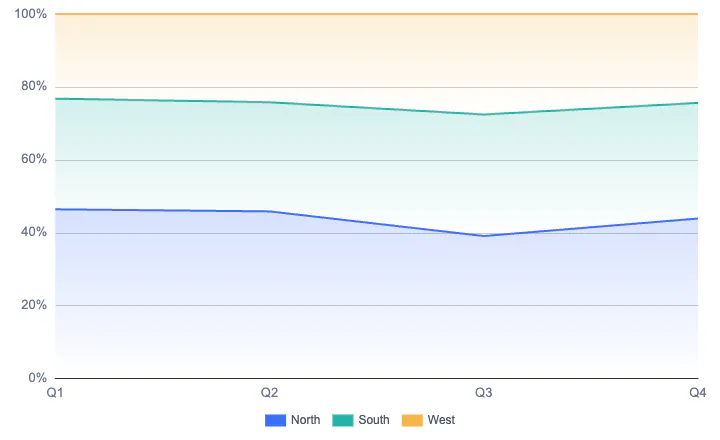 | SupportedShow changes in composition with stacked percentage areas. | Supported | Supported |
3-D area | SupportedShow values across categories with a filled area in a 3D projection. | Supported | Not supported |
3-D stacked area | SupportedShow totals and each series' contribution with stacked areas in a 3D projection. | Supported | Not supported |
3-D 100% stacked area | SupportedShow changes in composition with stacked percentage areas in a 3D projection. | Supported | Not supported |
| Pie and doughnut charts 5 chart types | |||
Pie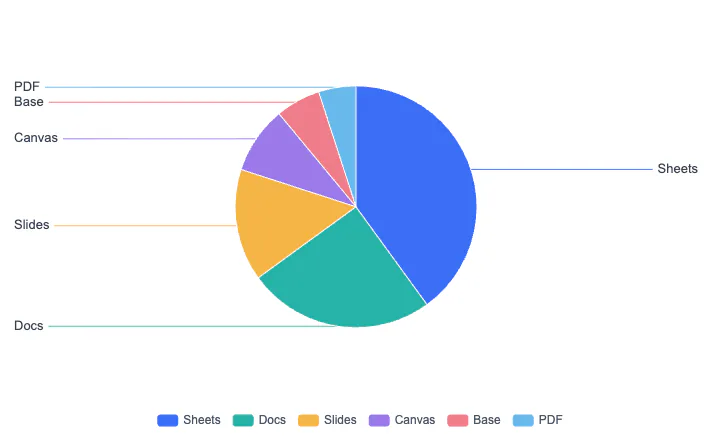 | SupportedShow proportions as pie slices. | Supported | Supported |
Doughnut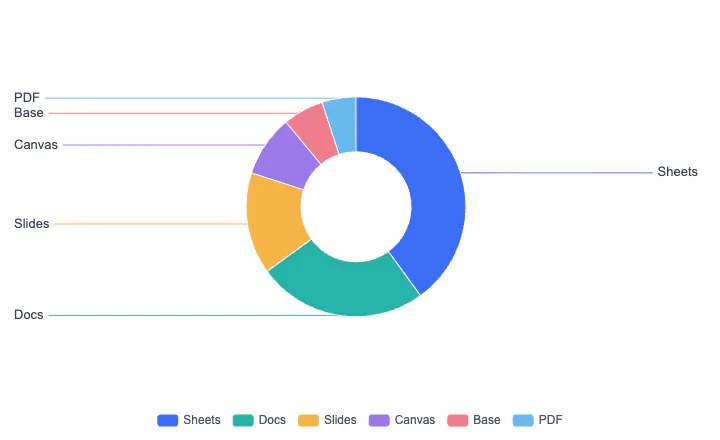 | SupportedShow proportions in a ring. | Supported | Supported |
Pie of pie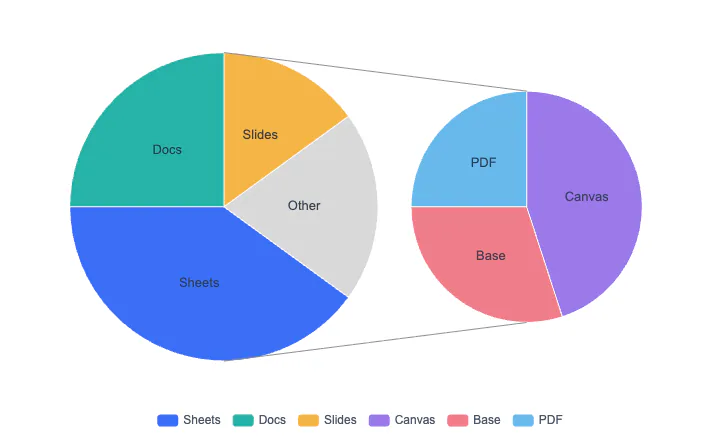 | SupportedSeparate smaller slices into a second pie. | Supported | Not supported |
Bar of pie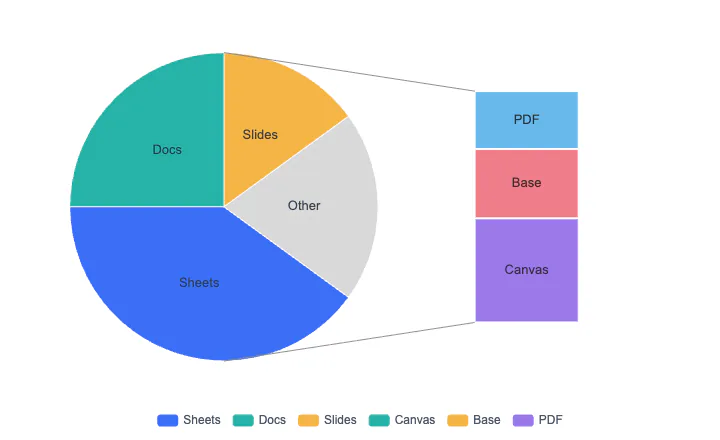 | SupportedSeparate smaller slices into an accompanying bar chart. | Supported | Not supported |
3-D pie | SupportedShow proportions as pie slices in a 3D projection. | Supported | Supported |
| Scatter, bubble, and multiseries charts 4 chart types | |||
XY (Scatter) | SupportedShow the relationship between two variables on numeric axes. | Supported | Supported |
Bubble | SupportedUse position and bubble size to represent multiple numeric dimensions. | Supported | Supported |
Radar | SupportedCompare performance across multiple dimensions. | Supported | Supported |
Combo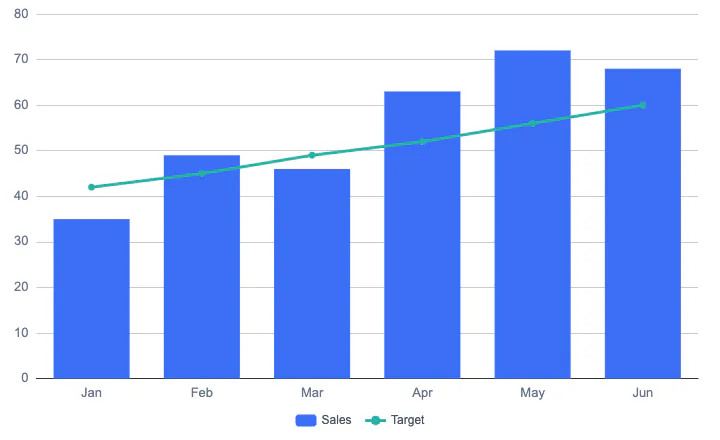 | SupportedCombine column, line, or area series in one chart. | Supported | Supported |
| Statistical and distribution charts 4 chart types | |||
Histogram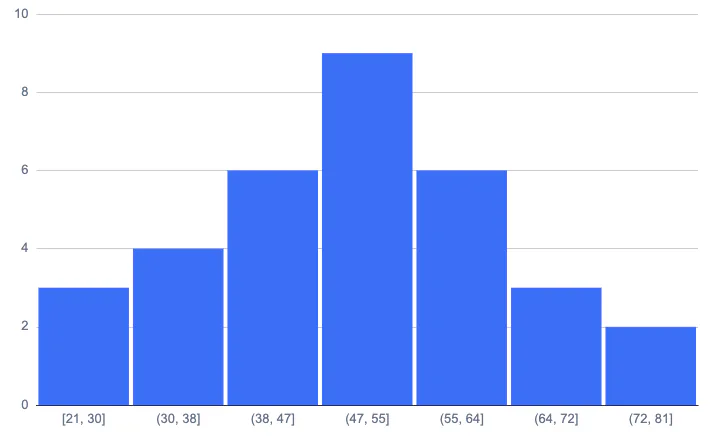 | SupportedGroup numeric data into bins to show frequency distributions. | Supported | Supported |
Box and whisker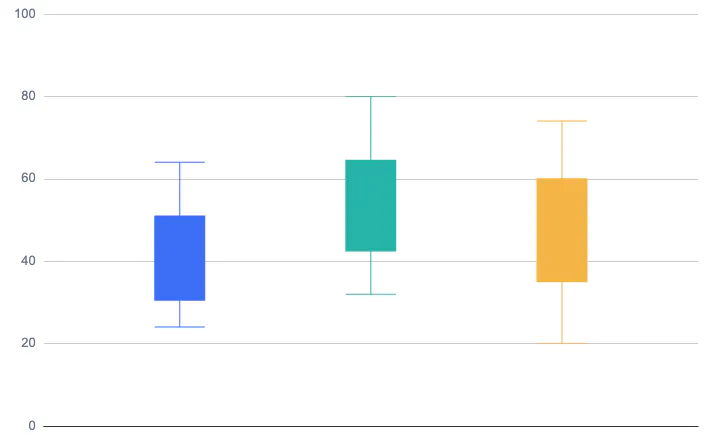 | SupportedShow the median, quartiles, and data distribution. | Supported | Partially supportedA candlestick chart can approximate boxes and whiskers; no dedicated box and whisker chart type. |
Pareto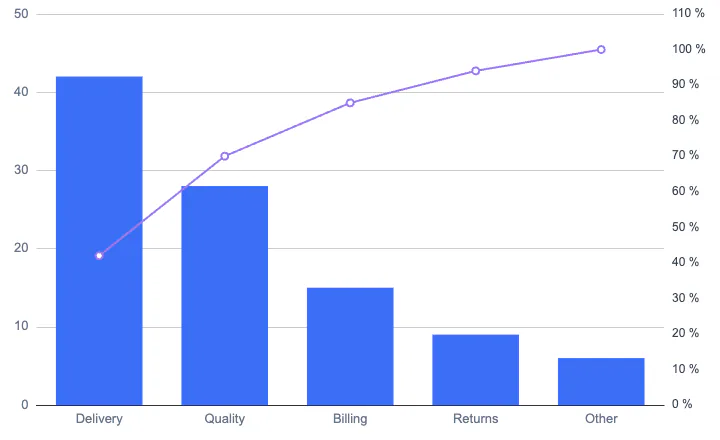 | SupportedSort columns by descending value and add a cumulative percentage line. | Supported | Partially supportedA combo chart with precalculated cumulative percentages can approximate this; no dedicated Pareto type. |
Stock (Open-High-Low-Close)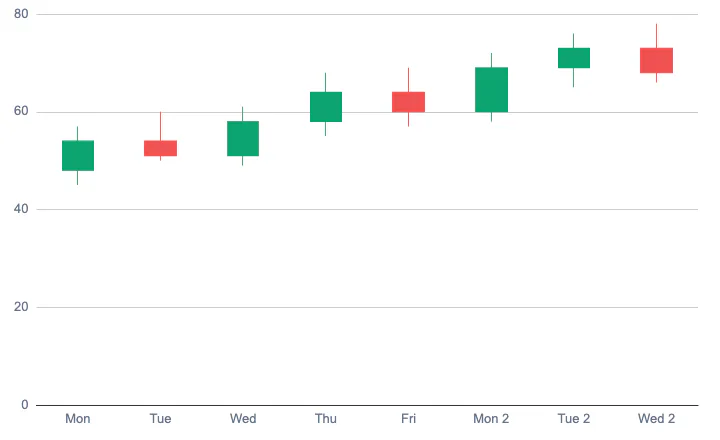 | SupportedShow price changes using open, high, low, and close values. | Supported | Supported |
| Hierarchy and process charts 4 chart types | |||
Treemap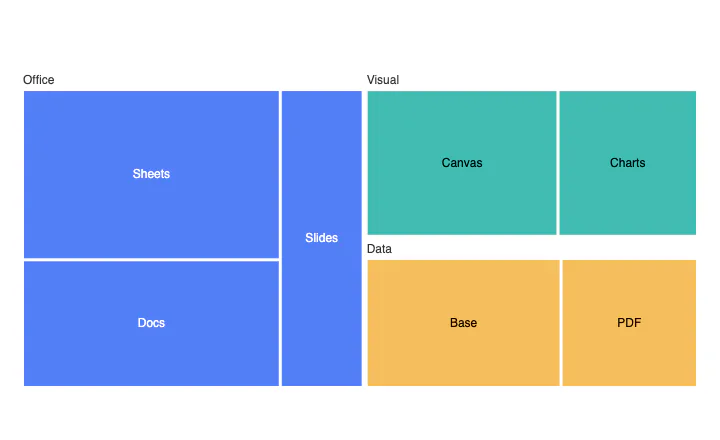 | SupportedShow hierarchical data as nested rectangles sized by value. | Supported | Supported |
Sunburst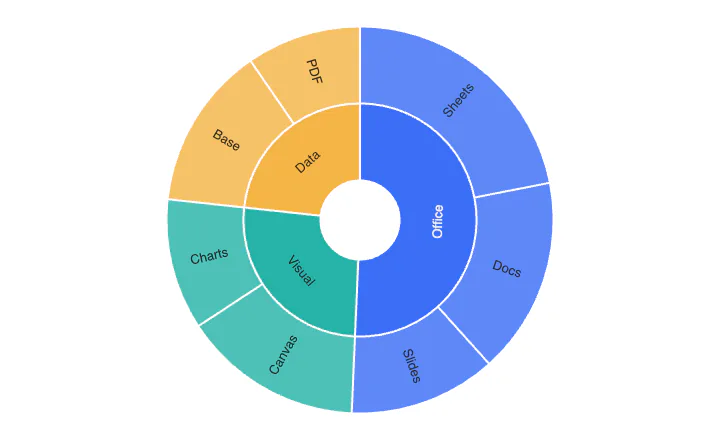 | SupportedShow hierarchy and proportions in concentric rings. | Supported | Not supported |
Funnel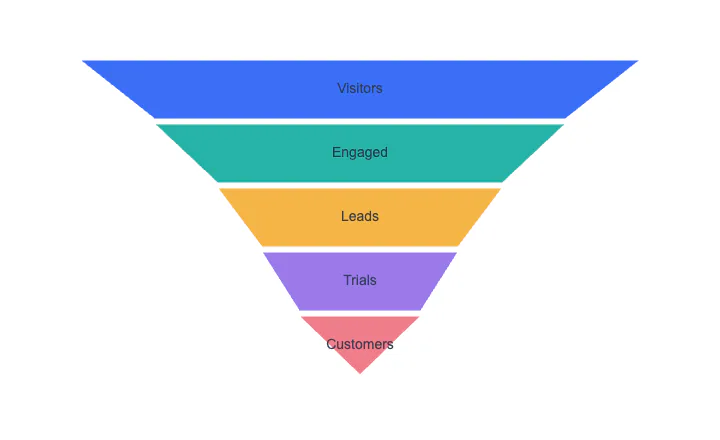 | SupportedUse stage widths to show quantities through a process. | Supported | Not supported |
Waterfall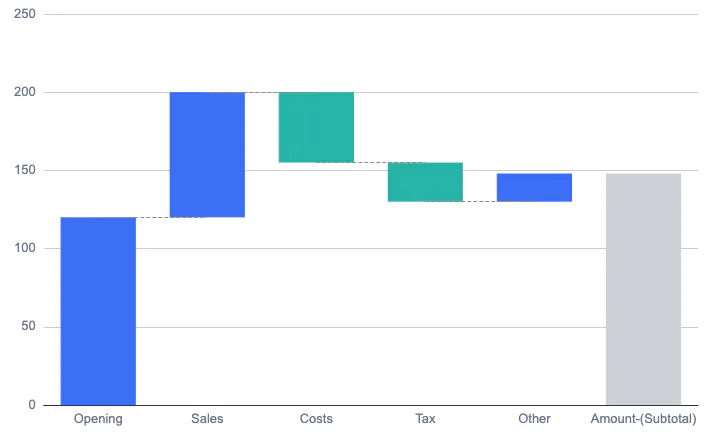 | SupportedShow how increases and decreases add up to a final result. | Supported | Supported |
| Relationship and flow charts 3 chart types | |||
Network | SupportedShow relationships with nodes and connections. | Not supported | Not supported |
Sankey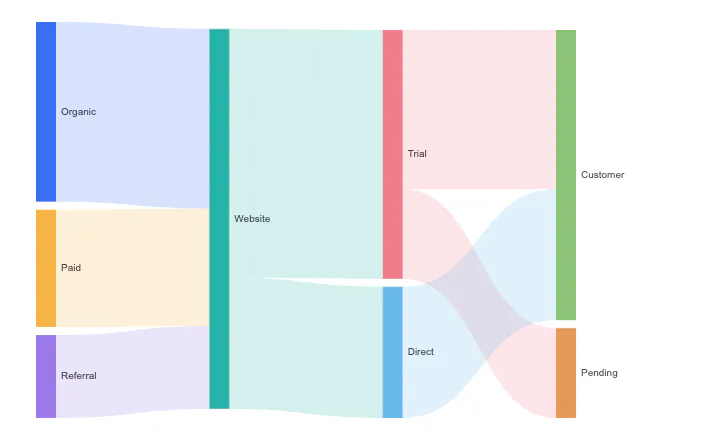 | SupportedUse connection widths to show flows between sources and destinations. | Not supported | Not supported |
Chord | SupportedShow relationships and flows between categories with ribbons around a circle. | Not supported | Not supported |
| Heatmaps, word clouds, and gauges 3 chart types | |||
Heatmap | SupportedUse color intensity to show values in two dimensions. | Not supported | Not supported |
Word cloud | SupportedUse text size to show word weights. | Not supported | Not supported |
Gauge | SupportedShow a metric with a gauge scale and pointer. | Not supported | Supported |
No matching features found.
Comparison scope and notes
Compares the Univer Charts SDK, Excel for Microsoft 365 on Windows, and Google Sheets, including its official chart API. Only chart types are compared, not formatting, axes, or interactions. Images, cell color scales, and separate add-ons are not counted as built-in charts. Partial support notes describe available combinations or approximations. All examples use sample data.
The open-source edition includes only the frontend editors, not server components. Its formula engine has lower performance than the commercial edition.
Information updated in October 2026. The comparison covers built-in features, excluding separate external products and add-ons. Univer includes the full Office SDK and optional modules; some features require server components.
Supported means the listed task can be completed. Partially supported means limitations apply; see the cell notes. Not supported means the compared version does not offer the feature.
AI functions, assistants, and generative features are excluded. Import/export support does not guarantee identical content, fonts, or calculation results. Test complex files with your own samples.
Official documentationUniver Charts documentationMicrosoft Office documentationGoogle Workspace documentation